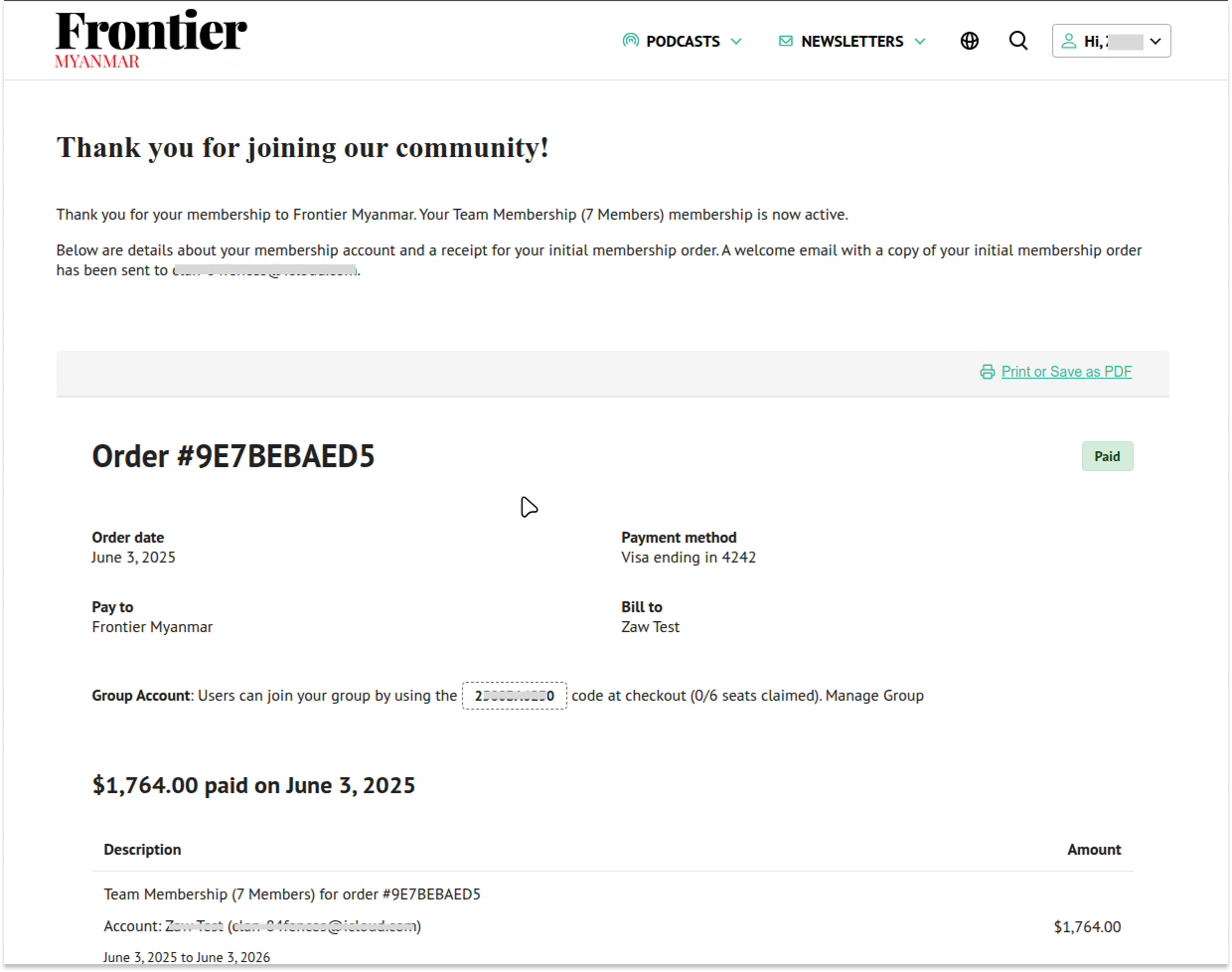
Adjust Team Seats
To adjust the number of seats in your team membership, you can follow these steps:
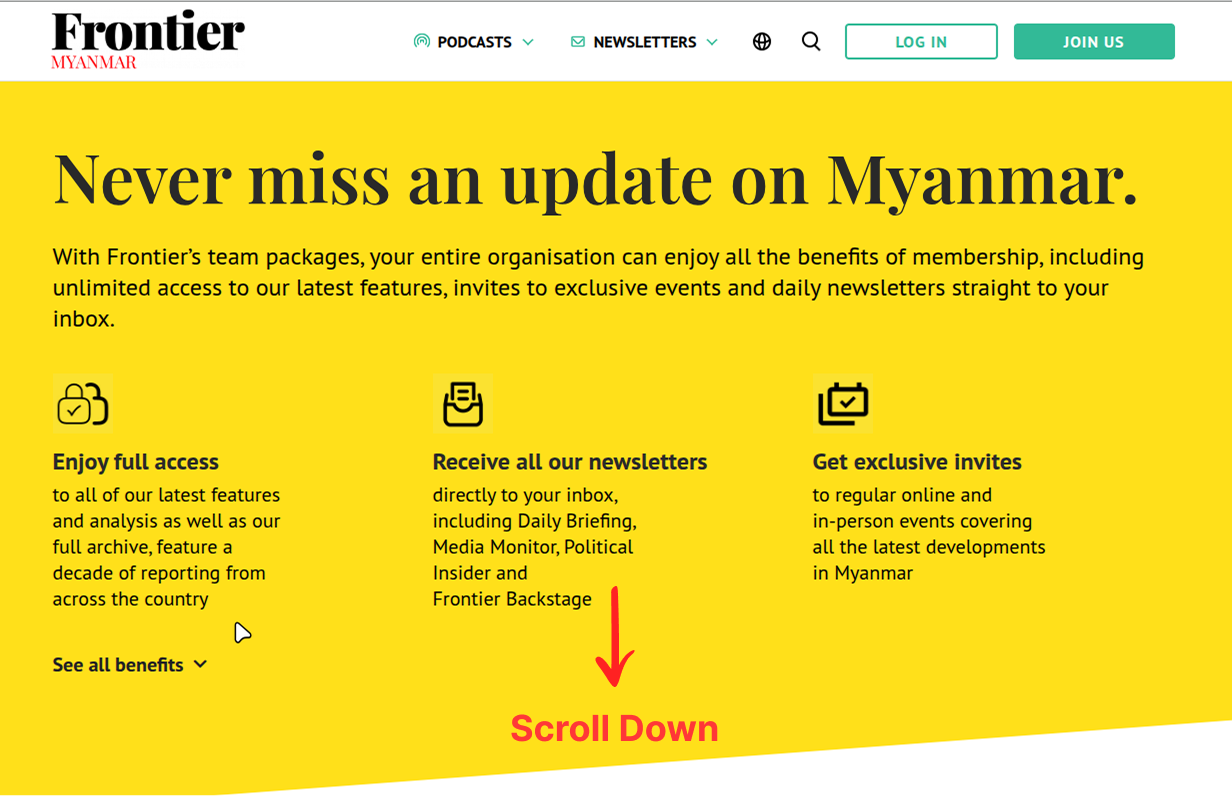
- First, please go to the Team membership level page.
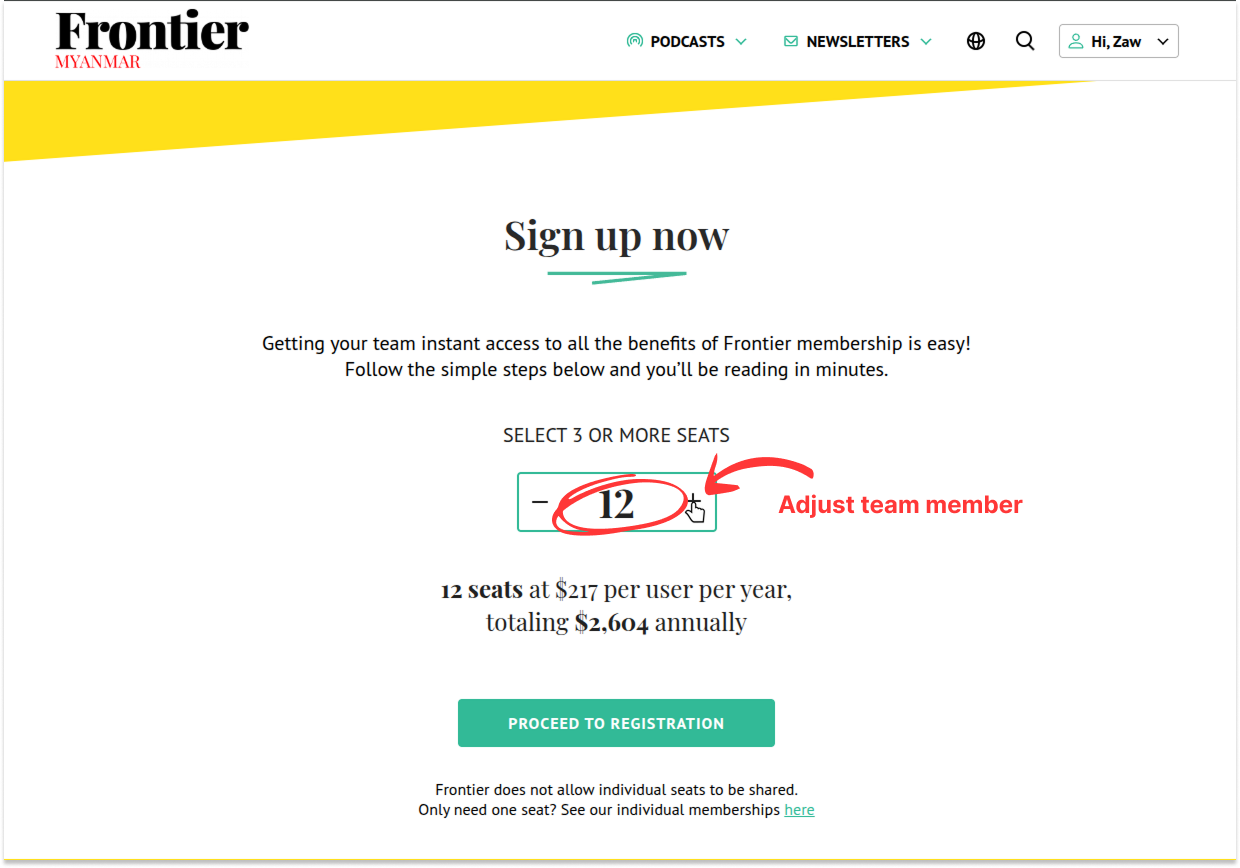
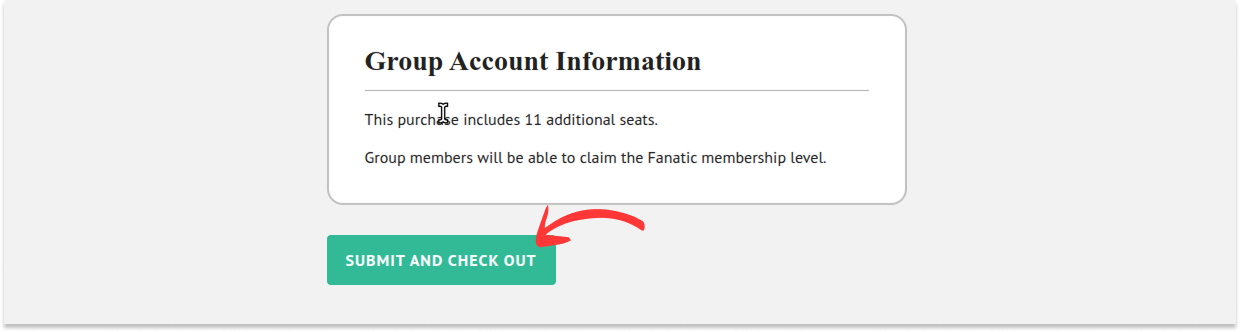
- Select the new number of seats that you wish to have attached to your account and click the “Proceed to Registration” button. Then scroll down the page and click the “Submit and Check Out” button.
- You will be redirected to the Stripe checkout page.
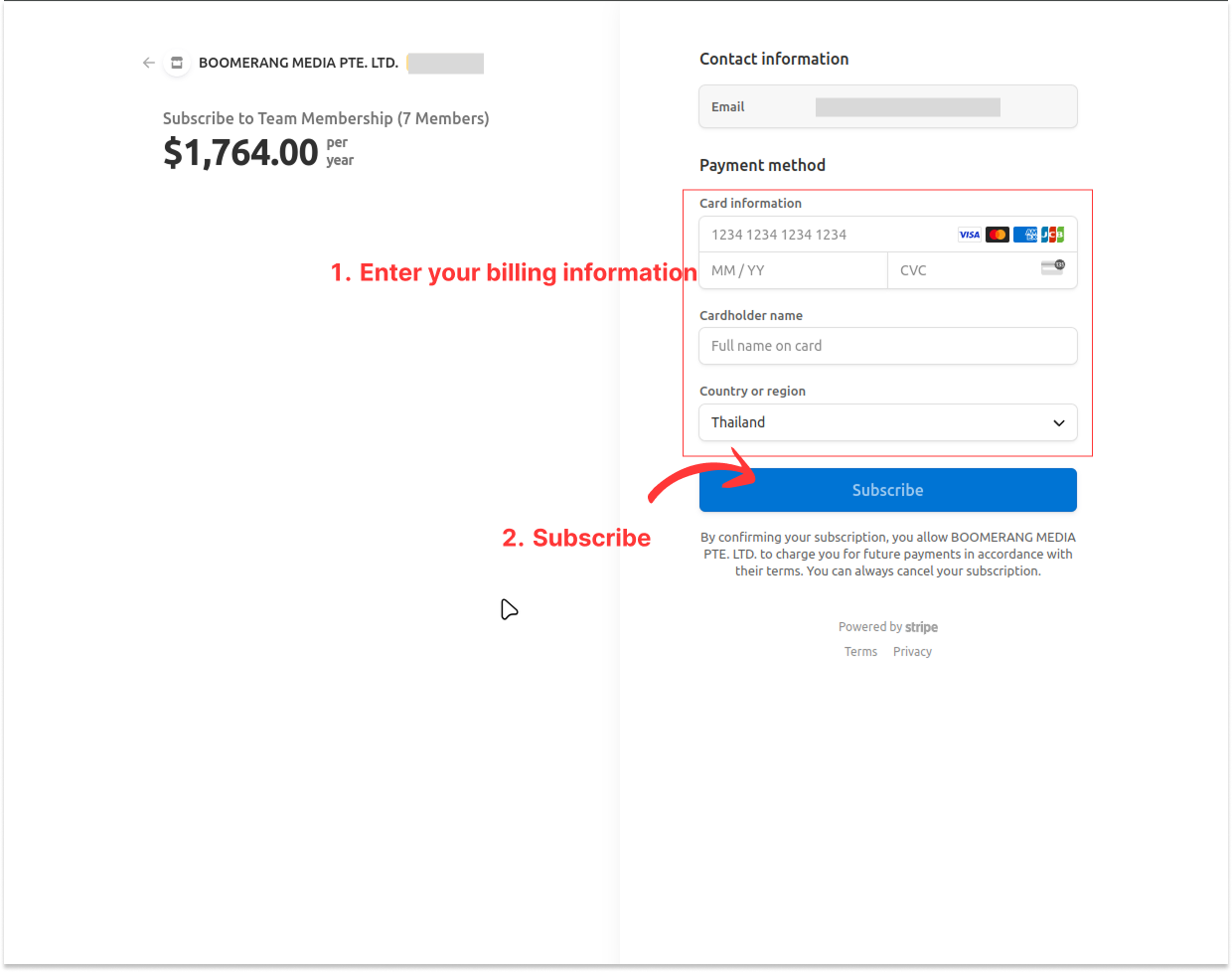
- After successful checkout, you will be redirected to your account centre page.