Reset Password
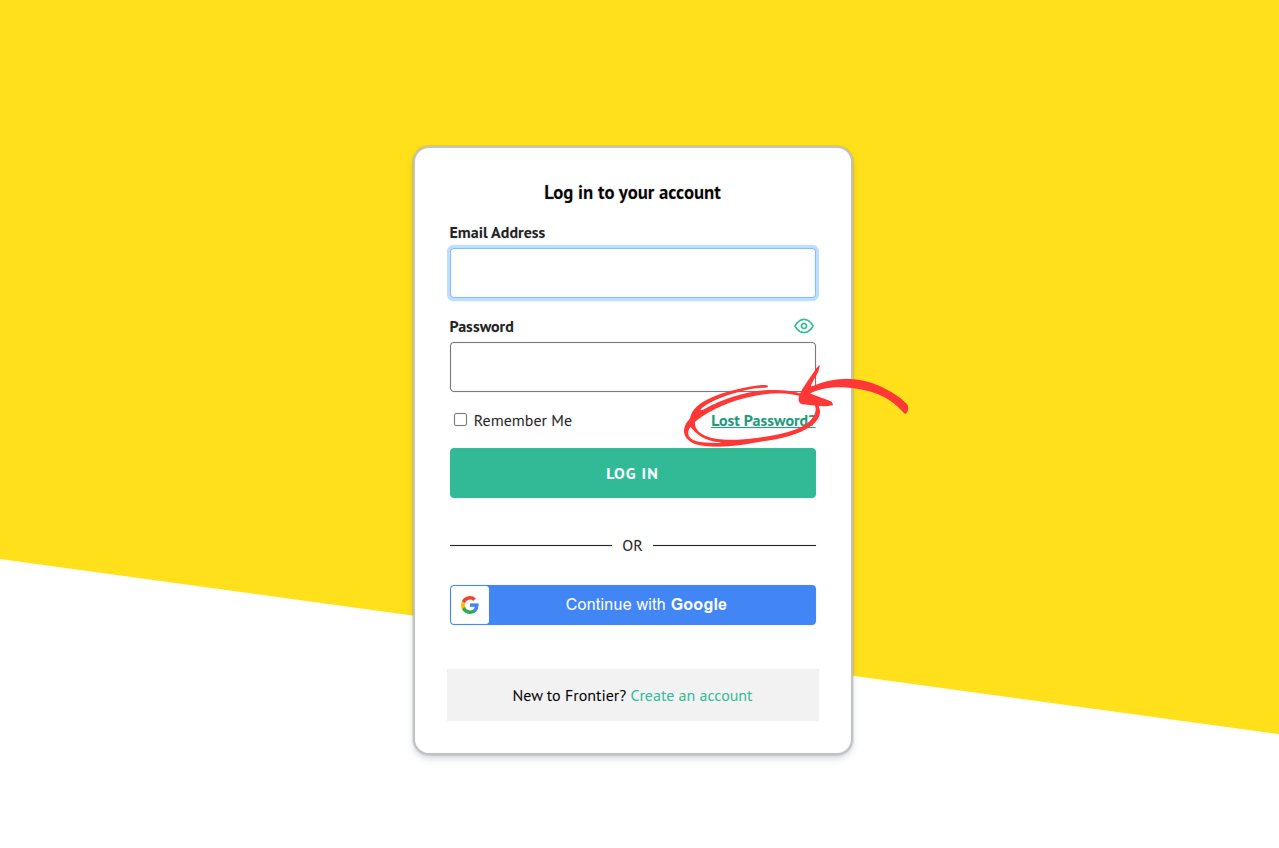
- Go to the login page. Then, click the “Lost Password” link.
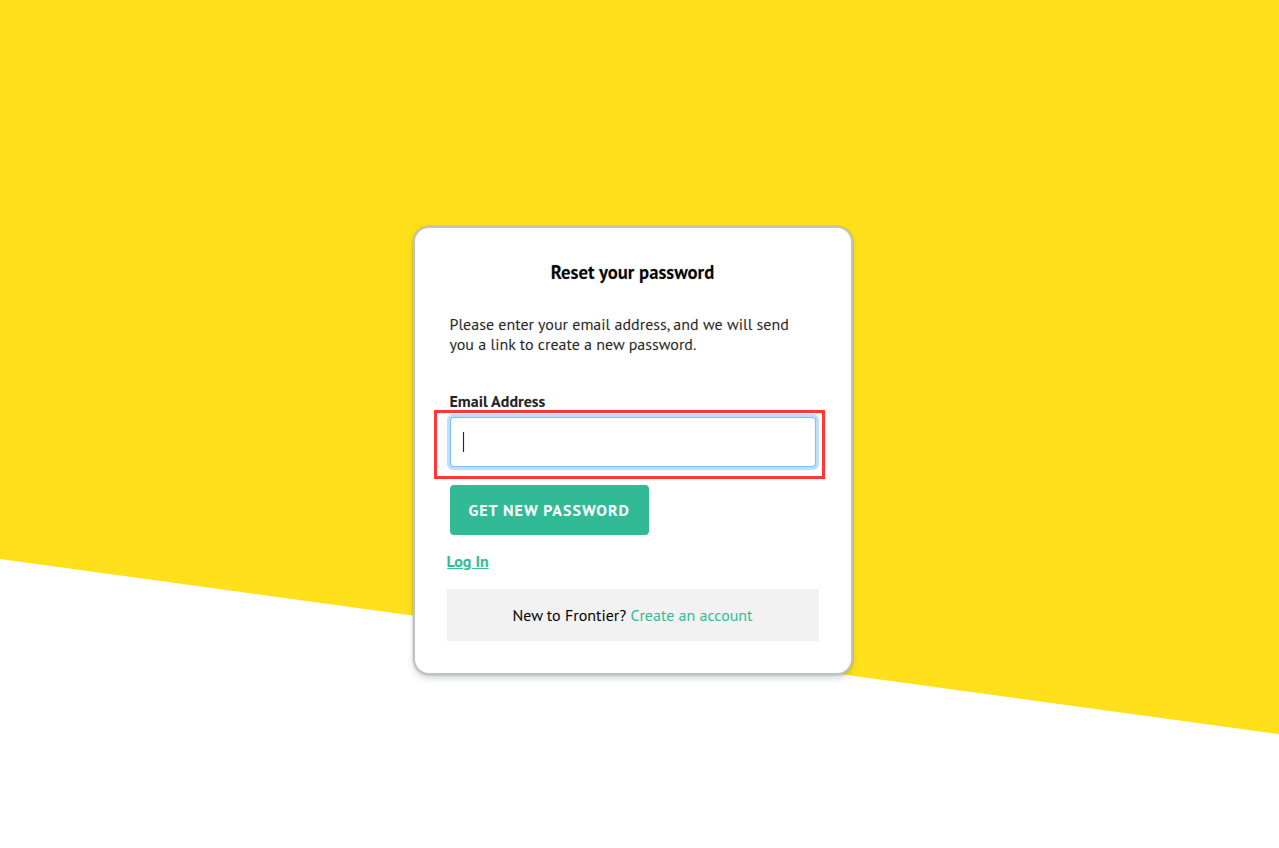
- Enter your email address and click the “Get New Password” button.
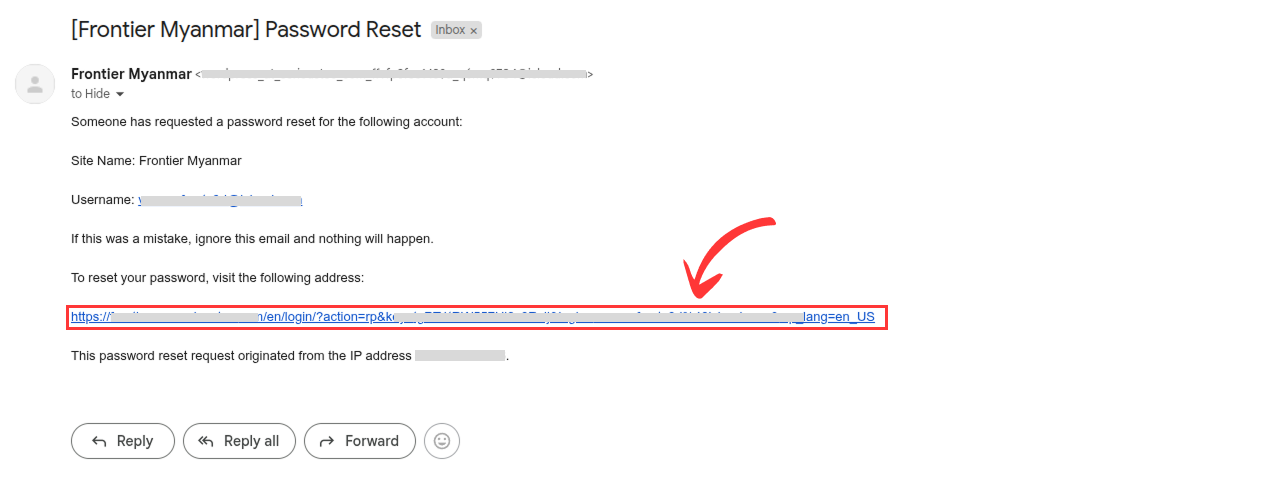
- Check your inbox. If you don’t see the email, please wait for a moment and check your spam box, too. Then, click the link included in the Reset Password email.
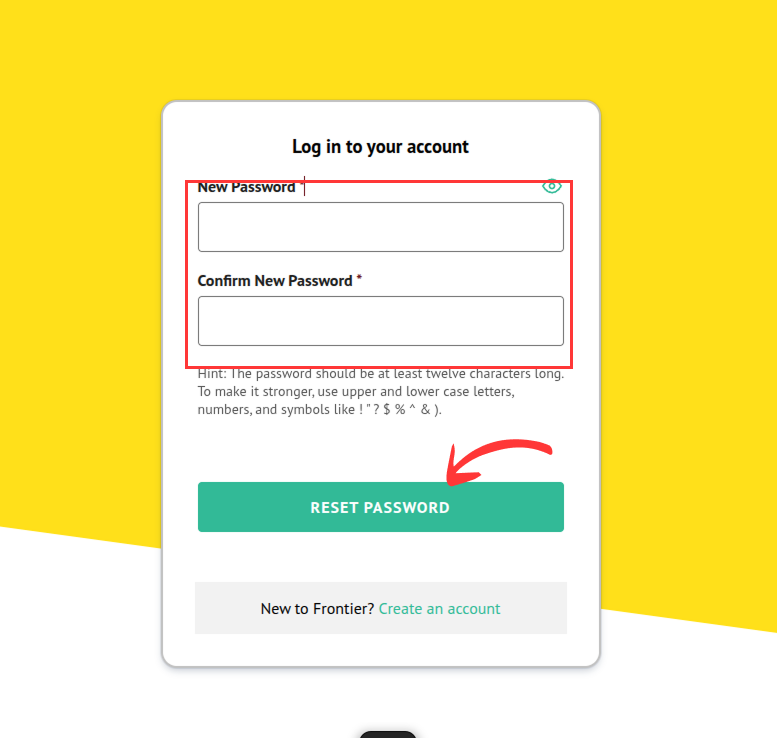
- It will redirect you to the following page where you can enter new password.