Registering with the Frontier Community
To register to join the Frontier Community, follow these steps:
- Go to “Log In” form by clicking the “Log In” Button in the navigation bar or clicking here.

-
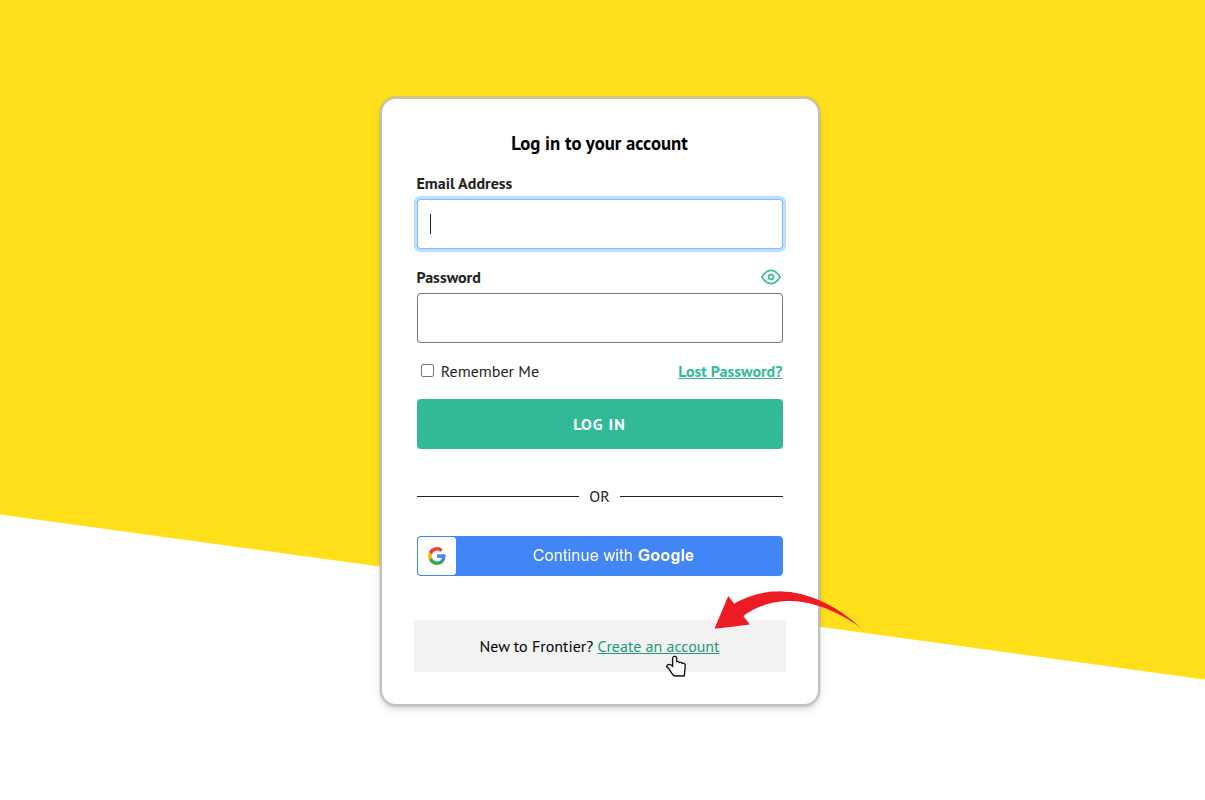
- On the login page, you will find the “Create an account” link at the bottom.
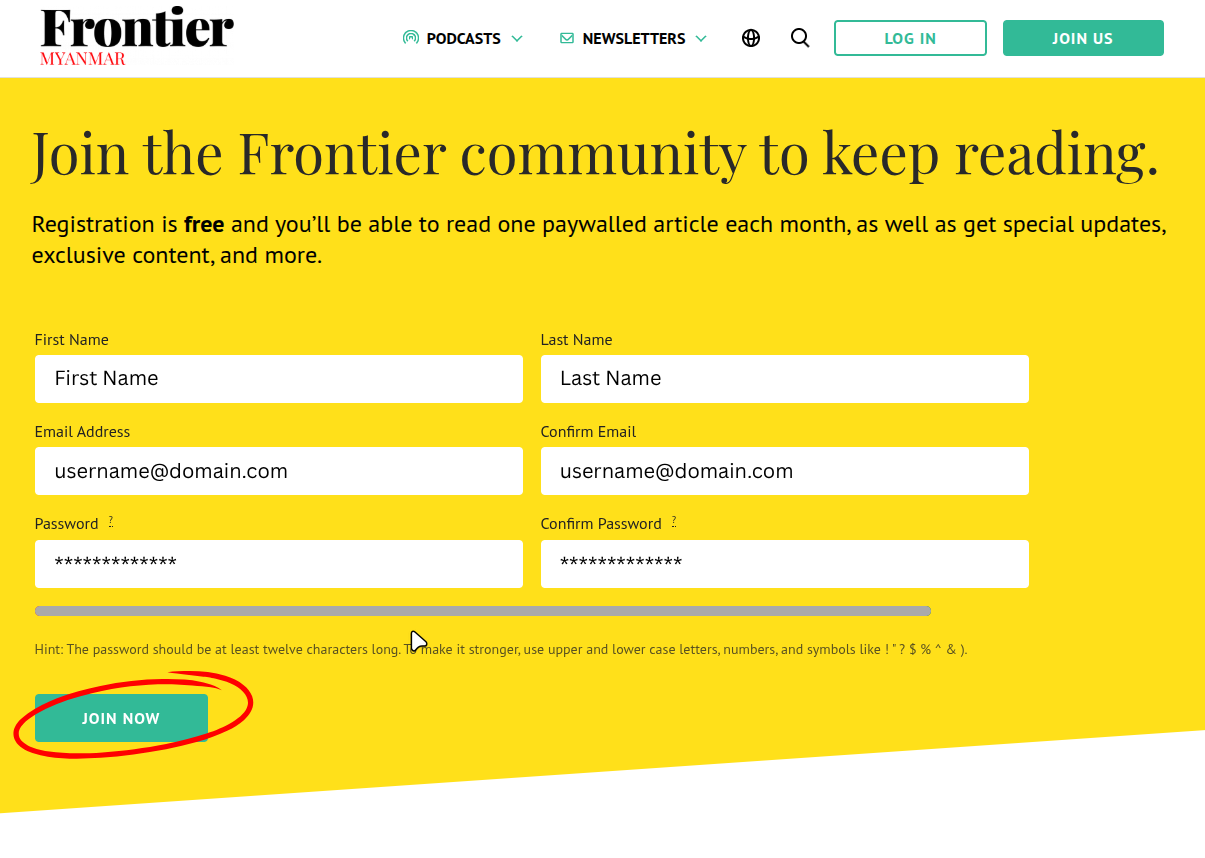
- Clicking the button will redirect you to the following page. Please fill in the required fields.
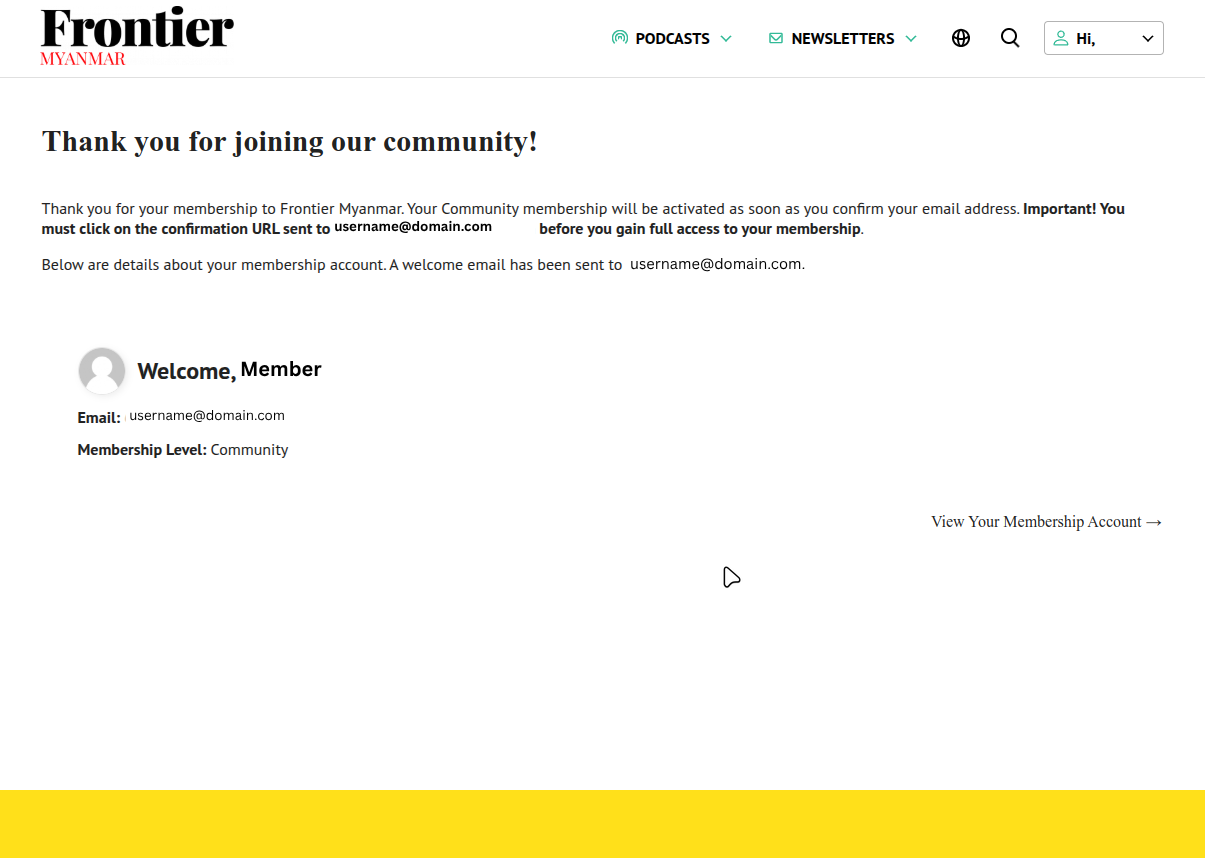
- You will then see your account confirmation page.
- Check for the registration confirmation email in the inbox of the account that you used to register. In the email, you will find a link to confirm your email address. Please click on the link.
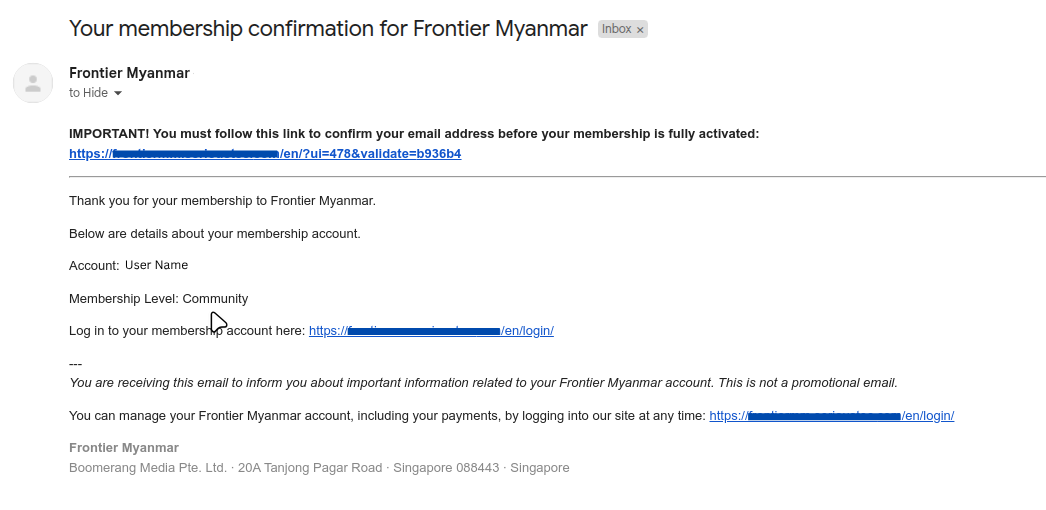
If you don’t see the email, please check your spam folder. If it is not in your spam folder, please email us for support on members@frontiermyanmar.net