Newsletter Preferences
To change your newsletter preferences, follow these steps:
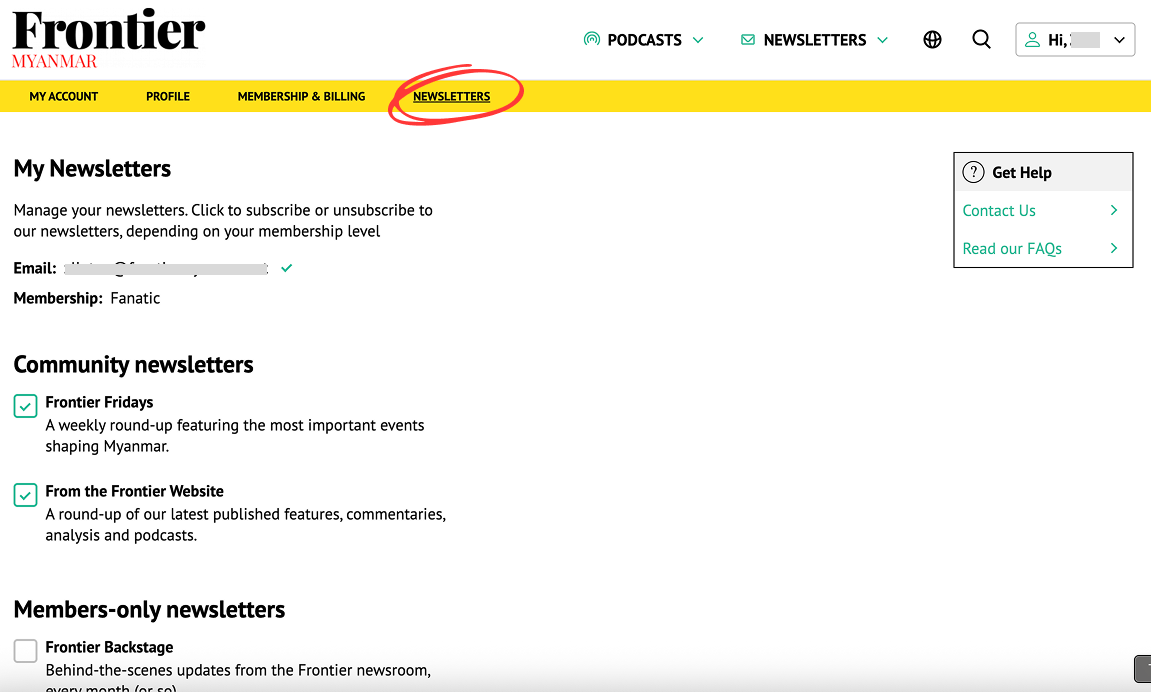
- Click on the “Newsletters” tab in the membership dashboard or click here
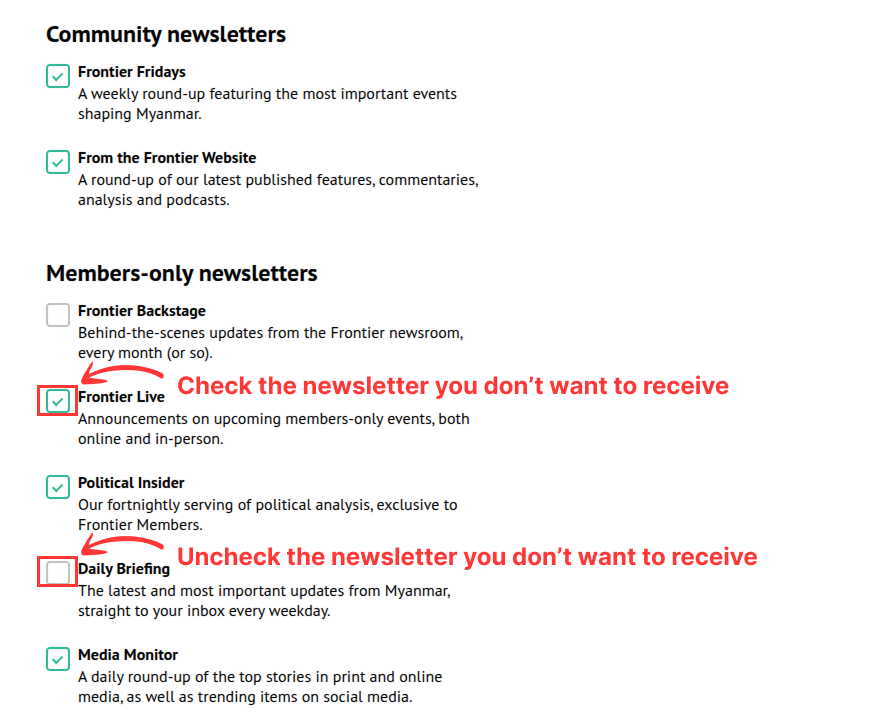
- Depending on your membership, you will be able to check or uncheck the box beside each newsletter.
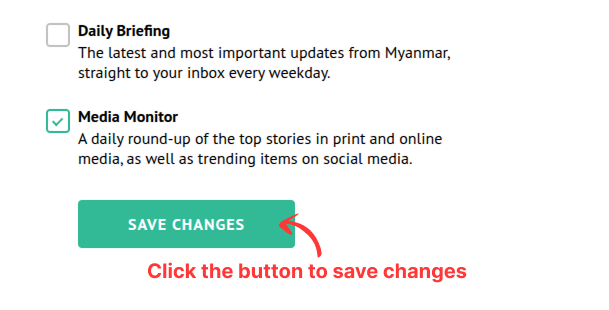
- Then, to save your changes, click the “SAVE CHANGES” button.
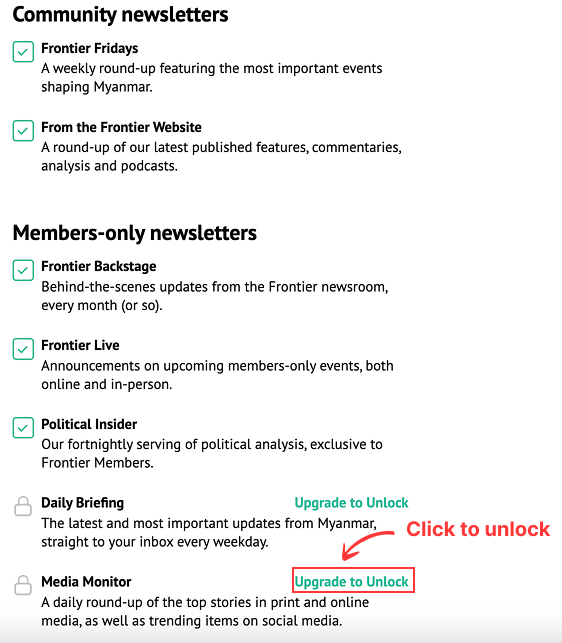
- If you wish to receive a newsletter that you do not currently have access to, click on the “Upgrade to Unlock” link and complete the checkout process.