Change Your Password
To change your password, follow these steps:
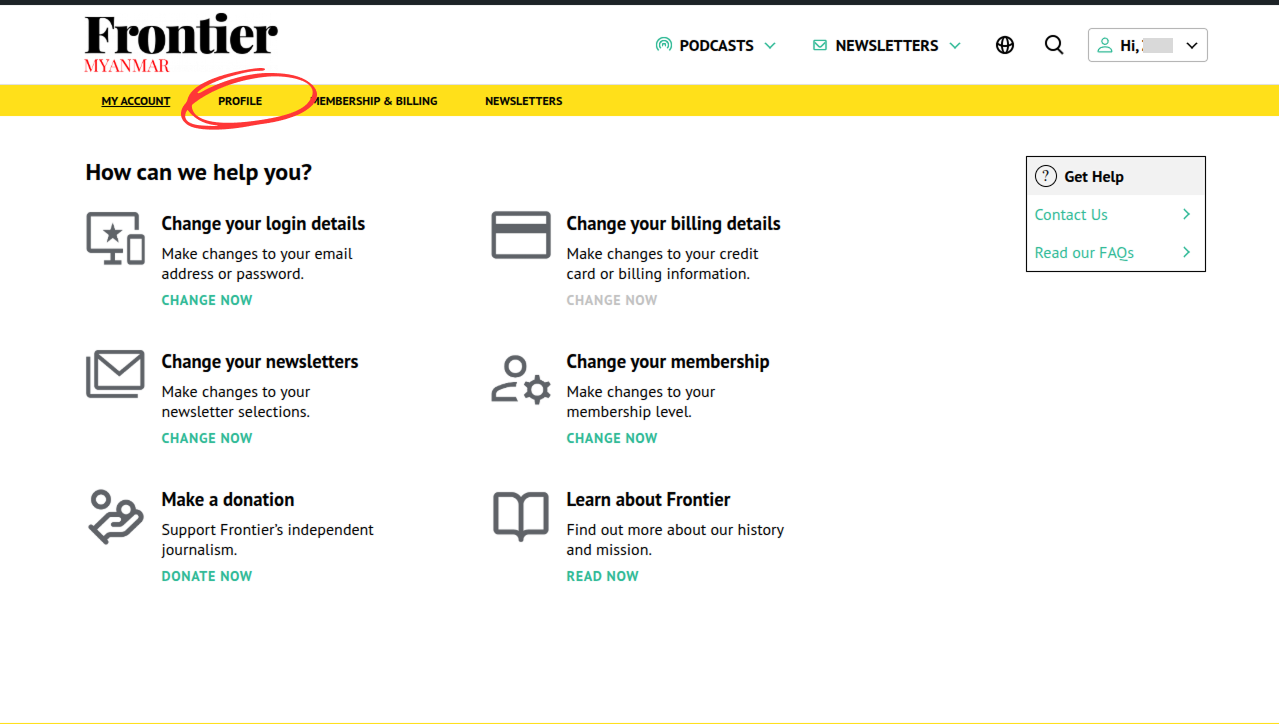
- Access your account profile page by click on the “Profile” tab in the membership dashboard or loading the url /membership-account/your-profile/
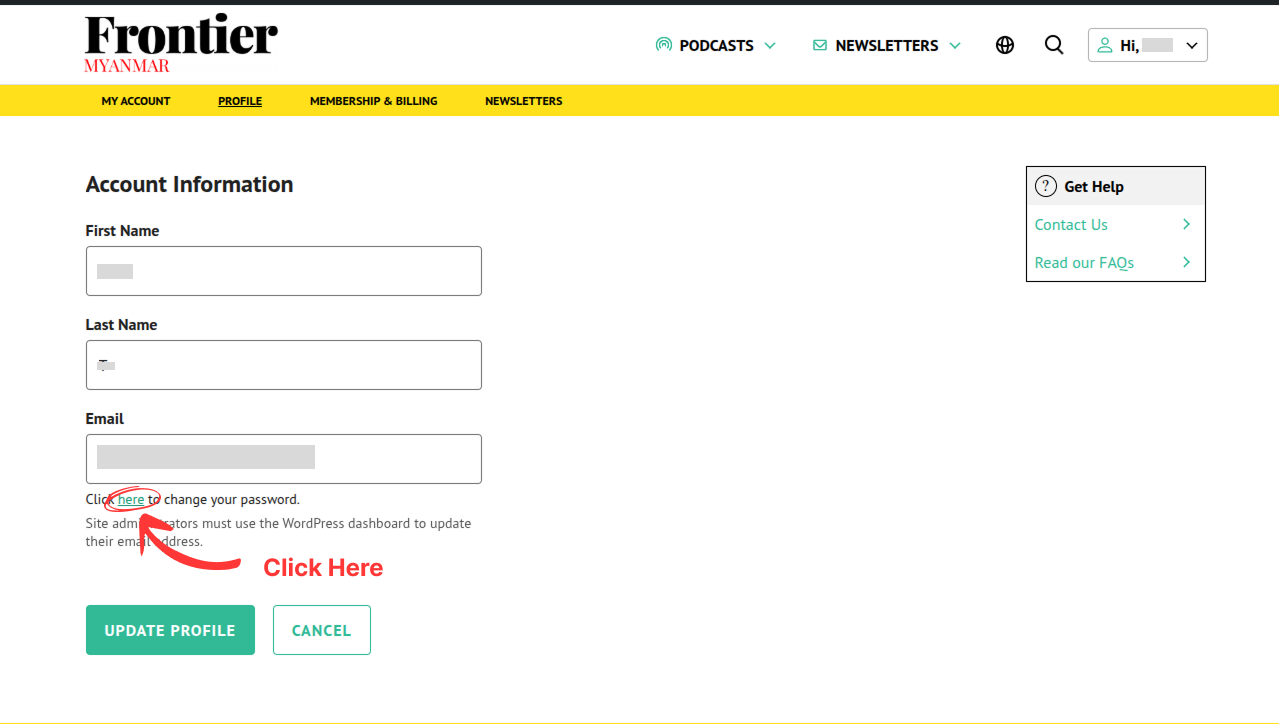
- Click the “here” button in the text “Click here to change your password”.
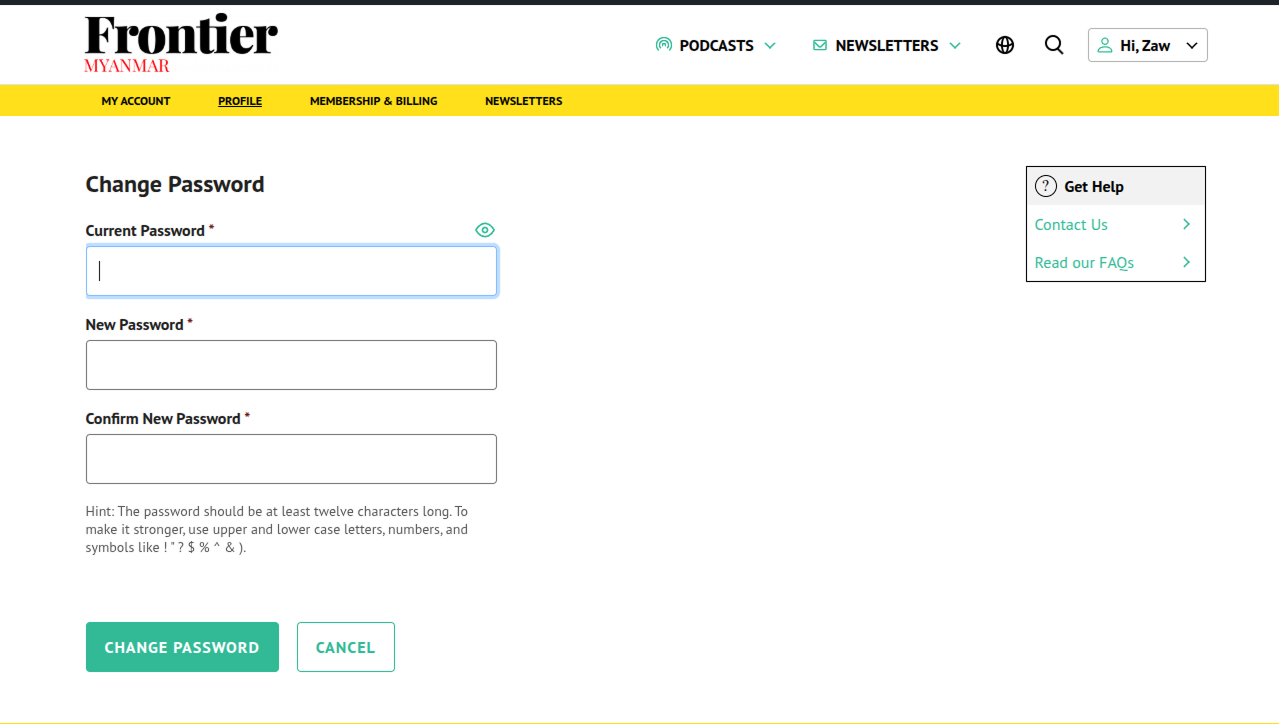
- Enter your current password and new password, and confirm the new password. Click the “Change Password” button.